
Tabs the agent opened
Allow for this session holds per site until Ave restarts. There is no always-allow for browser actions.
Browser
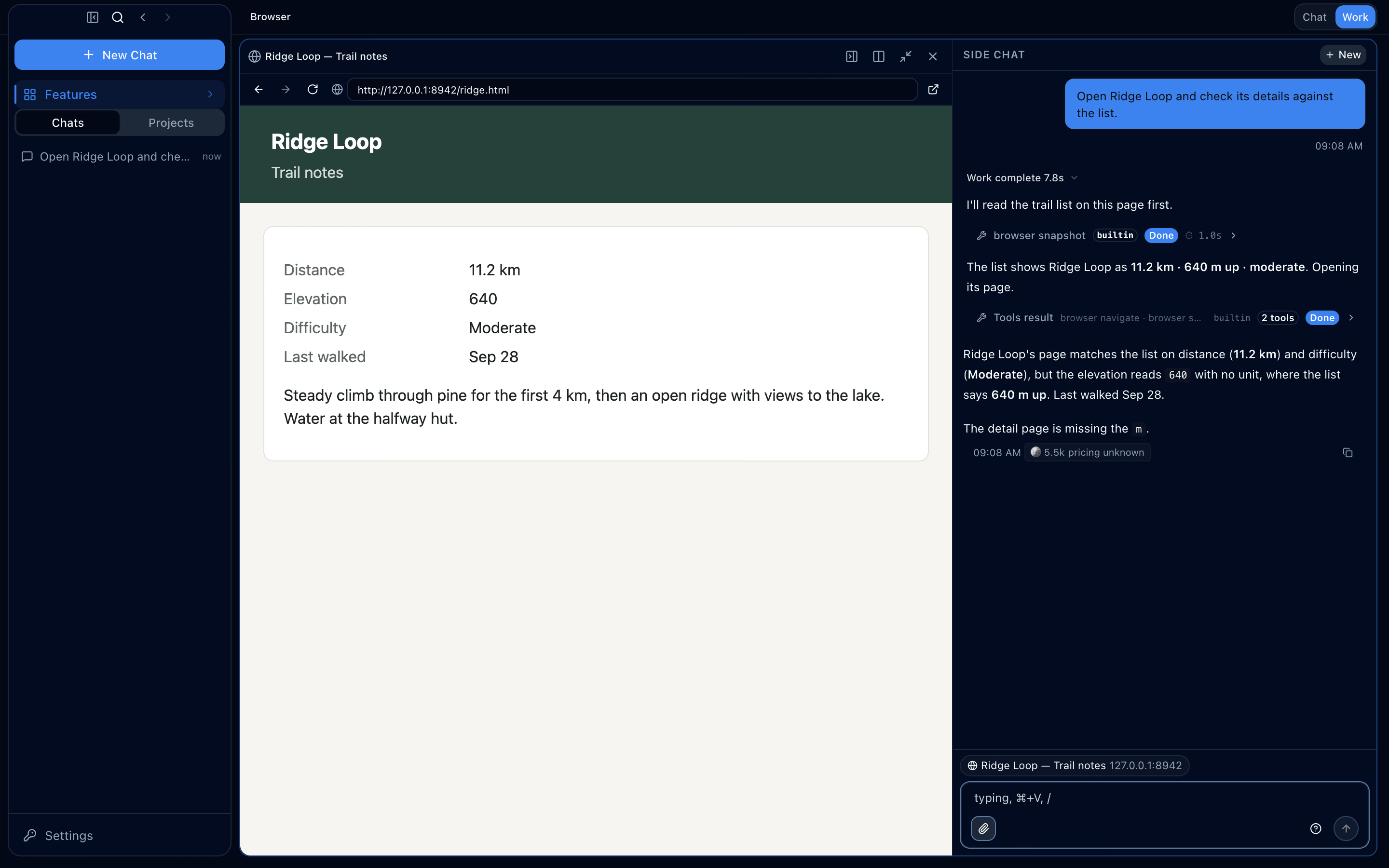
In the work panel’s browser, the agent opens its own tab, reads the page, then follows links and fills in forms. Clicking and typing ask before they run, and in tabs you opened those actions ask every time.

The agent’s tools
The agent reads the page’s accessibility structure, not screen coordinates. Buttons and fields carry references, so it names exactly what it will press.
Safeguards
Approval cards name the page and who opened the tab. What the agent reads from a page reaches the model marked as untrusted web data.
Allow for this session holds per site until Ave restarts. There is no always-allow for browser actions.

browser_tab_new counts as a network action, so it shows the address it will open and waits for approval.

Move a page from the side panel to the main area and it becomes a web panel; the page keeps its state.

One address bar and the list of visited sites, each marked as requested or found in a result.
A snapshot can list just the elements a person can act on, such as links, buttons and fields, as a flat list.
Reading the same tab again, the agent can ask for just what changed since its previous snapshot instead of the whole page.
Text read from a page is marked as written by whoever runs the site, so instructions written inside a page are treated as data.
In a tab you opened, clicking, typing, pressing keys, navigating and closing ask every time, in every permission mode, and nothing is remembered; with no one to ask, they are denied. Reading or capturing that tab is a network action: it asks once per site for the session, and passes under Allow all.
No. The agent does not type into password, payment-card or one-time-code fields.
The action does nothing. If the agent tries again, it asks about the page as it is now.
The agent holds the page’s focus only while it acts, then gives it back. Press Stop on the tab, or click or type in the page, and its pending actions stop.
Anything that isn’t http or https, or that carries credentials in the address, is refused without showing an approval card.
Yes. browser_screenshot captures what a tab shows, for when the text outline isn’t enough.
No. Routines and headless runs are not given the browser tools.