
Check the address
First it shows what kind of package this is, whether it runs code, and where it comes from.
Plugins
Plugins, MCP servers, skills, agents, themes, fonts, languages, model providers and messaging connections all arrive the same way: from a git repository or a folder, installed after you review the source and its hash.

Ways in
From the Marketplace tab’s Add menu, add a marketplace repository, or install one package straight from a git address or a folder.
Installing
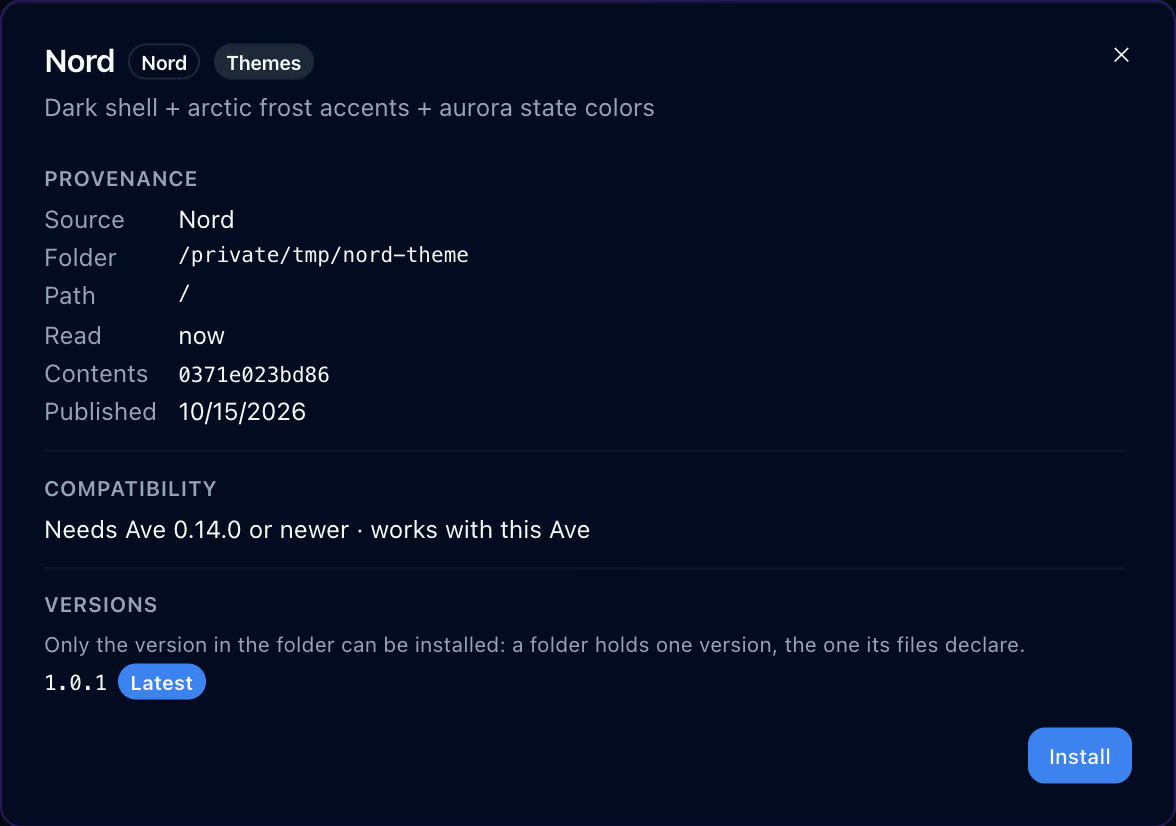
The install plan is bound to the hash of what you reviewed. If the folder changes in the meantime, what installs is still what you reviewed, and the plan expires after a few minutes.
First it shows what kind of package this is, whether it runs code, and where it comes from.

“What you review here is what installs”, with the contents hash and when the plan expires.

An installed theme appears in Theme settings marked as coming from the marketplace. The dark picture shows the Tokyo Night theme turned on.
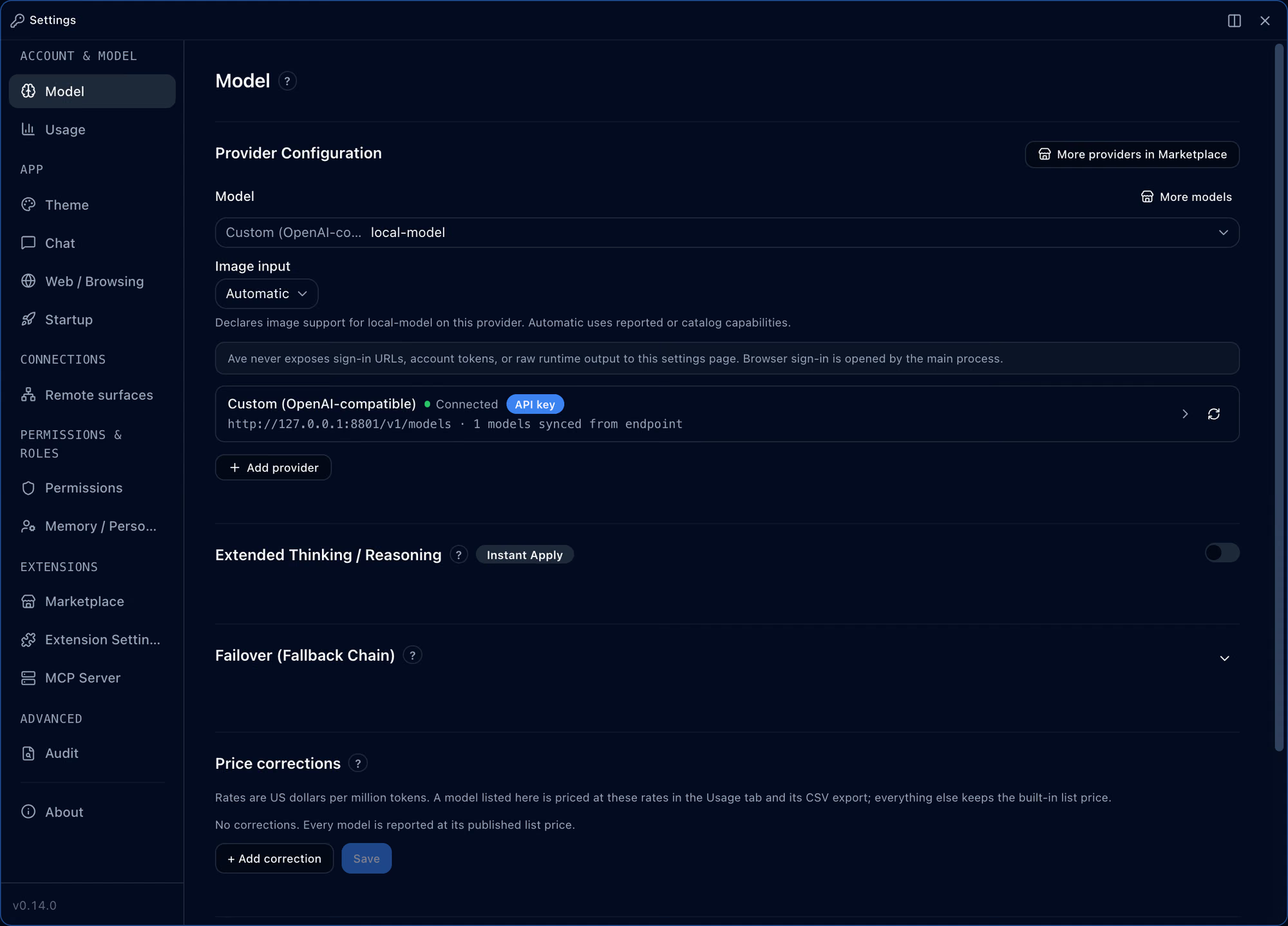
A model provider that isn’t built in is added as a marketplace package.
Official marketplace
The official marketplace is the git repository ken-jo/agent-marketplace, and its marketplace.json lists every package. The counts and names below are read from that file at a recorded commit.
3
Hello World · Ave Local Indexer · Ave Meeting
1
Meeting Notes Kit
23
AWS KB Retrieval MCP · Brave Search MCP · Browserbase MCP · Context Mode MCP and 19 more
153
Angular Architect · Api Designer · Architecture Designer · Atlassian Mcp and 149 more
169
Anthropologist · Geographer · Historian · Narratologist and 165 more
35
AI Hub Mix Provider · AskSage Provider · Azure AI Foundry Provider · Baseten Provider and 31 more
14
Catppuccin Latte · Catppuccin Mocha · Cherry Blossom · Executive Graphite and 10 more
1
한국어 (Korean)
An entry plugin is a JavaScript module; a process plugin is a program in any language that talks to the host over JSON-RPC on standard input and output. Process plugins need the OS sandbox and are not supported on Windows.
Publishers can yank a version or roll it out to a share of installs first, and you can opt into canary versions with the canaryOptIn setting.
Each alert kind a plugin declares starts on or off at install as the plugin chooses, and you can switch each kind off. Alerts keep to cooldowns and rate limits, as cards or system notifications. A conversation a plugin suggests starts only when you accept it.
No. Whatever way they were installed, every plugin runs in its own process outside the app, and inside the sandbox when it is on. If one fails to start, the others keep working.
Only the domains it declares in networkAccess.allowedDomains, sixteen at most. The host sends one hop at a time and checks every redirect.
Each install writes a receipt with a SHA-256 per file, checked again at launch. A plugin that doesn’t match is not loaded.
New versions are checked at launch and on a schedule, and applied one at a time while the conversation is idle. If permissions, MCP servers or hooks differ from what you approved, the update waits for your review.
A policy file sets allow and block lists, default installs and required installs. A required package cannot be uninstalled or disabled.
Plain http and internal-network addresses ask once; metadata and other unsafe addresses are always refused.
Run an unpackaged build with AVE_DEV=1 and choose Settings → Extension Settings → Developer tools → Install from local folder.